One sentence
A cream crew-neck sweater is paired with straight-leg blue jeans and white low-top sneakers.
Inspect the details. Find the words. Create with confidence.
Upload a photo, choose a purpose, and create a useful description or product copy.
Choose the detail your reader needs. These are written examples, not results from an uploaded photo.
A cream crew-neck sweater is paired with straight-leg blue jeans and white low-top sneakers.
The outfit pairs a cream crew-neck sweater with straight-leg blue jeans. White low-top sneakers keep the palette light. The relaxed silhouette suggests casual styling; fabric composition cannot be confirmed from appearance alone.
Cream crew-neck sweater with long sleeves and a ribbed hem. Add the size, measured dimensions, fabric label and condition before publishing. Jeans and shoes are styling suggestions, not included items.
Clothing Finder reads the visible pieces, then gives you specific terms for finding a similar look across the shops you use.
Start with an outfit image or a photo from your own collection.
Get cut, colour, fabric and styling terms in one useful brief.
Take the terms to the retailers and marketplaces you already trust.
Keep the details you know. Let the studio turn them into a clear product story for the channel you are publishing to.
Upload a clean product image, add garment details, or use both for stronger context.
Choose a voice, audience and length that fits your collection and sales channel.
Copy the result into a product page, campaign brief, marketplace listing or social post.
The studio keeps the creative brief close to the product so every line stays specific, useful and on brand.
Use an image to surface the silhouette, palette, texture and styling details that are easy to miss in a spreadsheet.
Move from marketplace clarity to a more editorial campaign tone without rebuilding the brief.
Generate in six languages with terminology that reads like product copy, not a direct translation.
The result is structured for fast review, easy edits and a direct handoff to the place where it will be published.
Choose the credits and renewal rhythm that fit your fashion content workflow.
Starter
Get started with your first outfit descriptions
Standard
Create professional descriptions with advanced features
Premium
The complete outfit-description workflow
What to expect before you begin.
Guides for the teams turning physical pieces into useful online product stories.
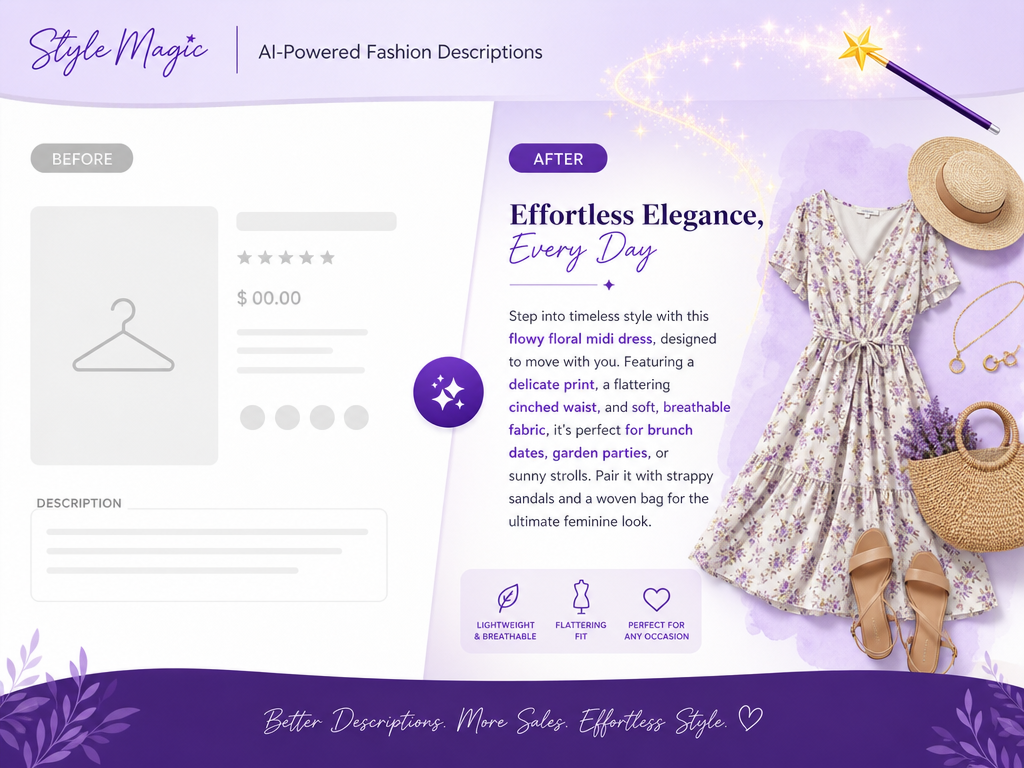
Generate compelling, SEO-optimized outfit descriptions for your e-commerce store. AI-powered tool helps increase conversion rates and improve search rankings.
 Admin
Admin
Explore how AI is revolutionizing fashion - from virtual try-ons to AI-powered styling. Learn about the latest trends and tools shaping the industry.
Admin
Learn how to write product descriptions that convert browsers into buyers. Proven templates, examples, and strategies for fashion e-commerce success.
AdminOpen the studio, add the details you have and shape copy ready for review.