
01
Build clearer wardrobe notes
Turn outfits, mood boards and styling references into consistent written notes that are easier to sort, revisit and share.
Lade ein Outfit-Bild hoch und erhalte eine klare Beschreibung der tatsächlich sichtbaren Merkmale.
Lade ein Foto hoch, wähle einen Zweck und erstelle eine Beschreibung oder einen Produkttext.
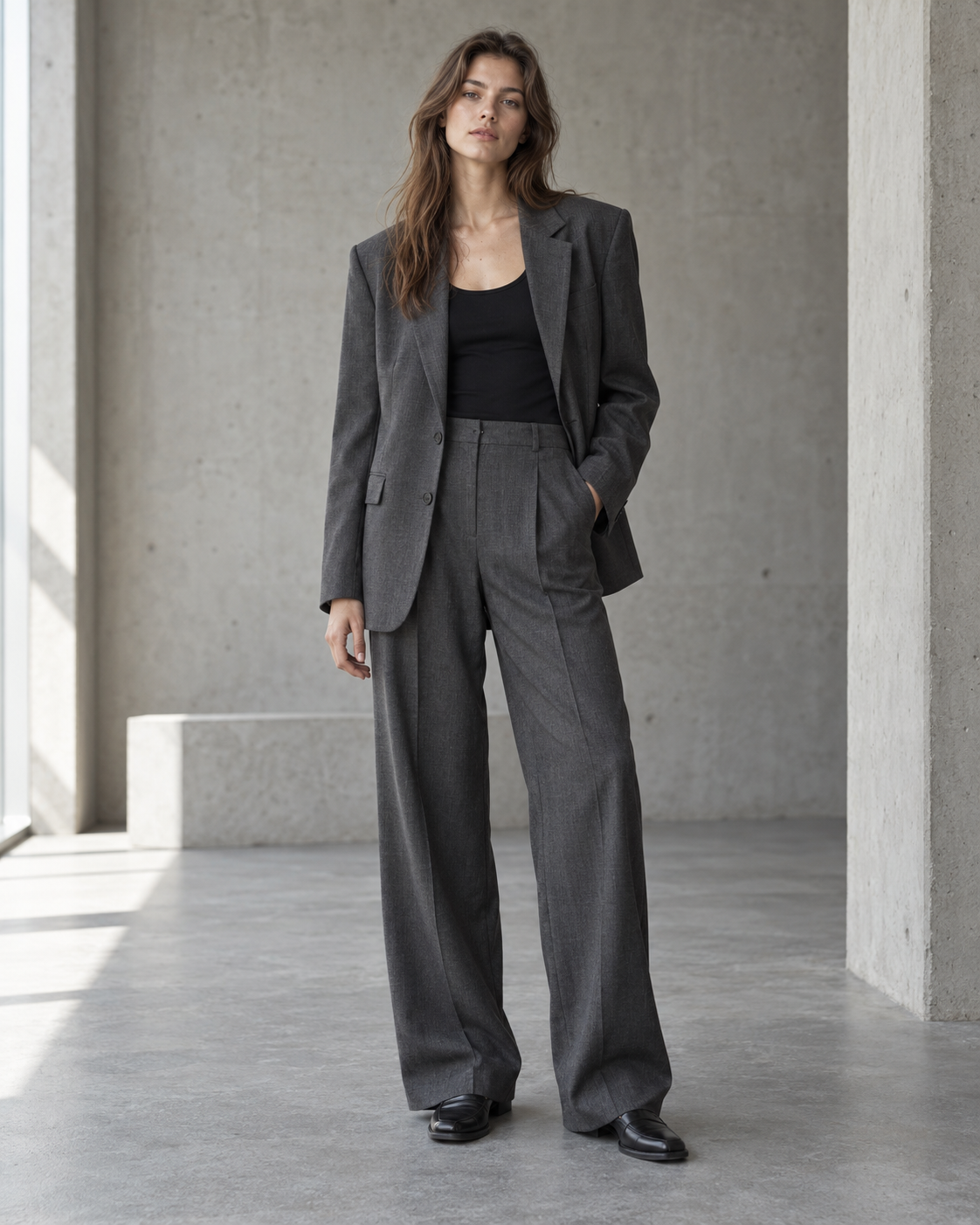
From image to clear language
The workspace keeps the request grounded in your image while letting you choose how much visual detail the final description should carry.
01
Start with a clear image that shows the garments, layers and styling details you want the description to cover.
02
Choose a quick template for a detailed breakdown, style and occasion, materials or a caption-ready description, then adapt it if needed.
03
Receive an image-grounded draft, check the wording against the photo and copy it into your wardrobe notes, editorial plan or product workflow.
Useful beyond one image
Choose an output that gives the image a stable written reference without adding unsupported product claims.
01
Turn outfits, mood boards and styling references into consistent written notes that are easier to sort, revisit and share.
02
Use the caption-ready intent to start a fashion post or editorial draft, then make the final voice and factual checks your own.
Questions, answered
A clear view of what image-grounded outfit descriptions can and cannot reliably tell you.